




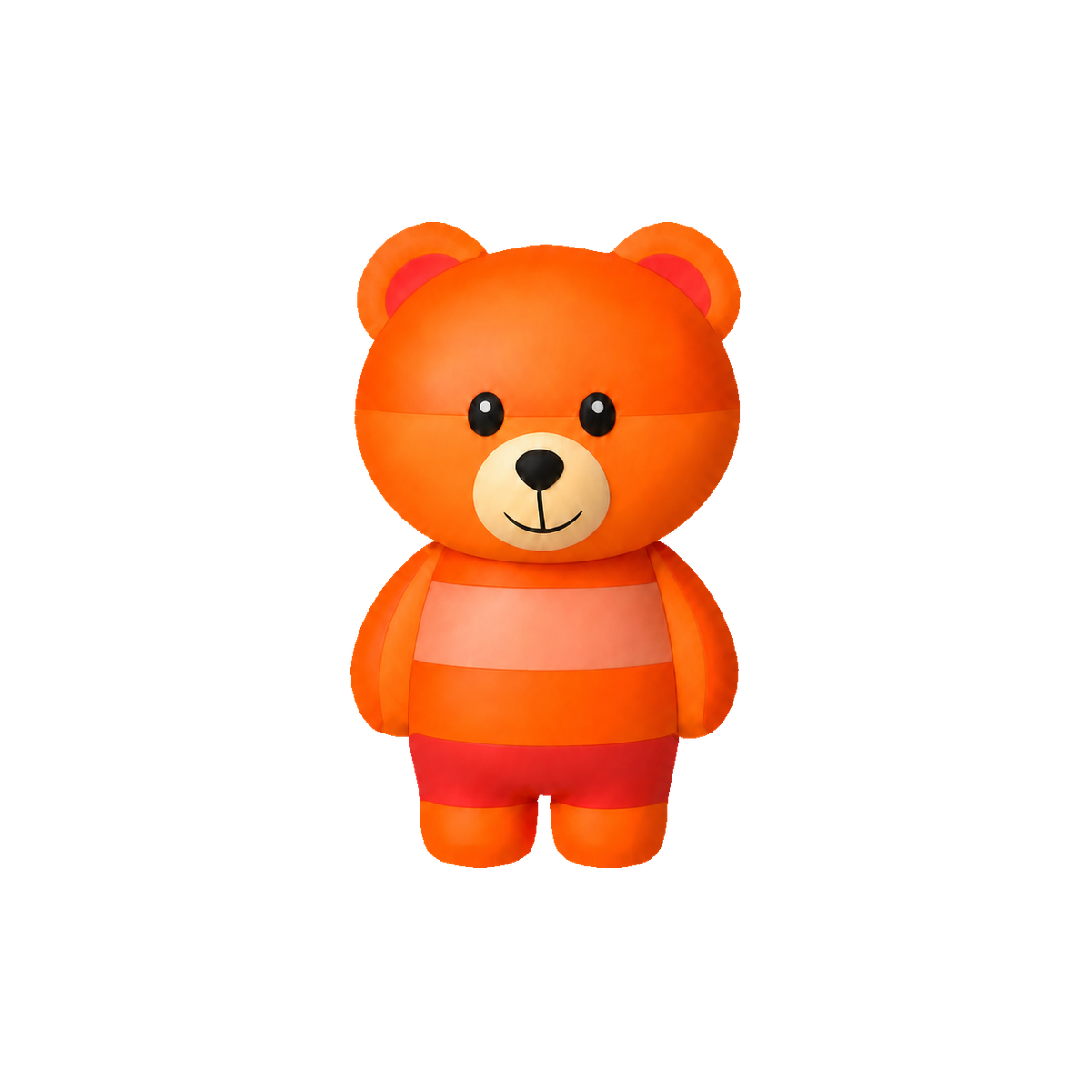

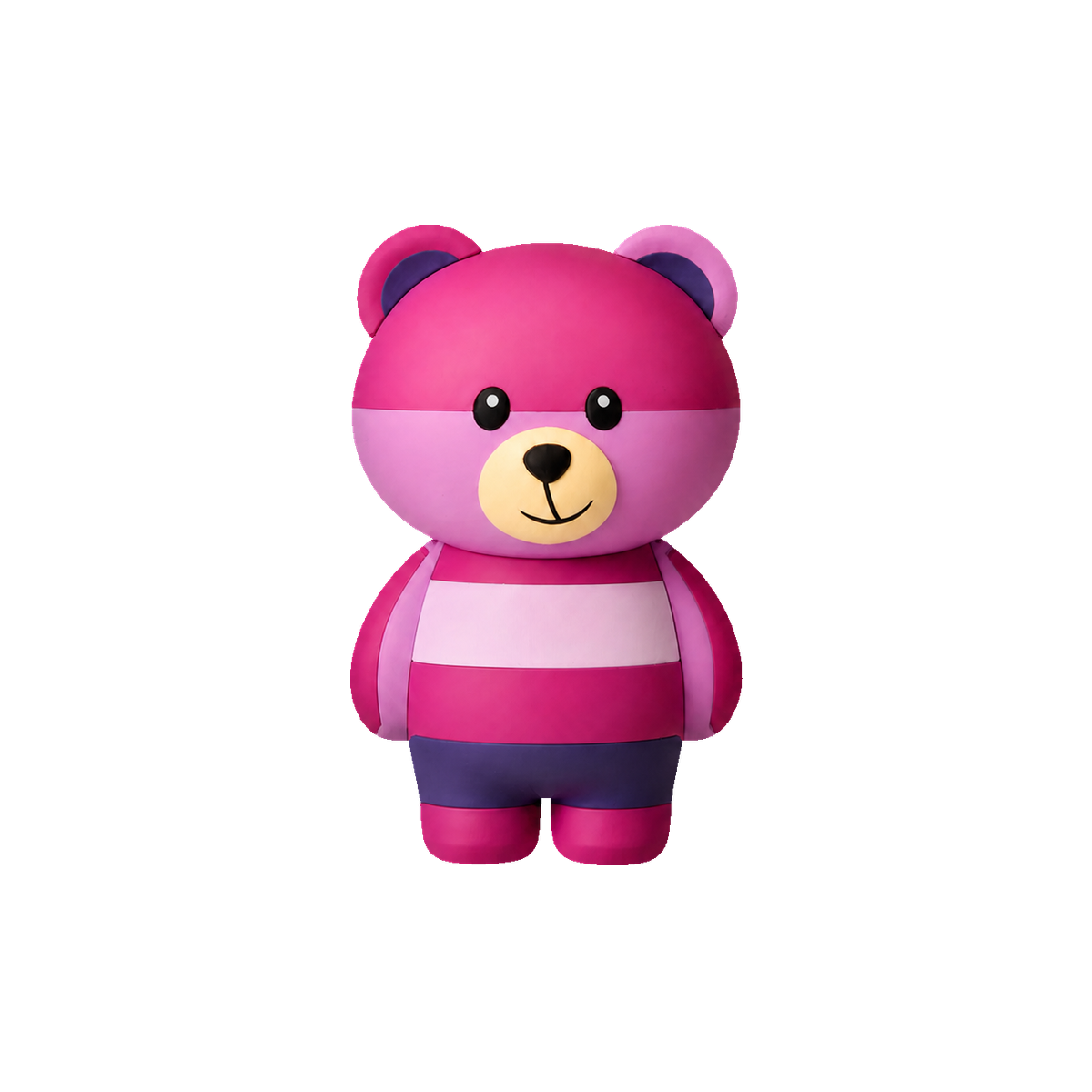



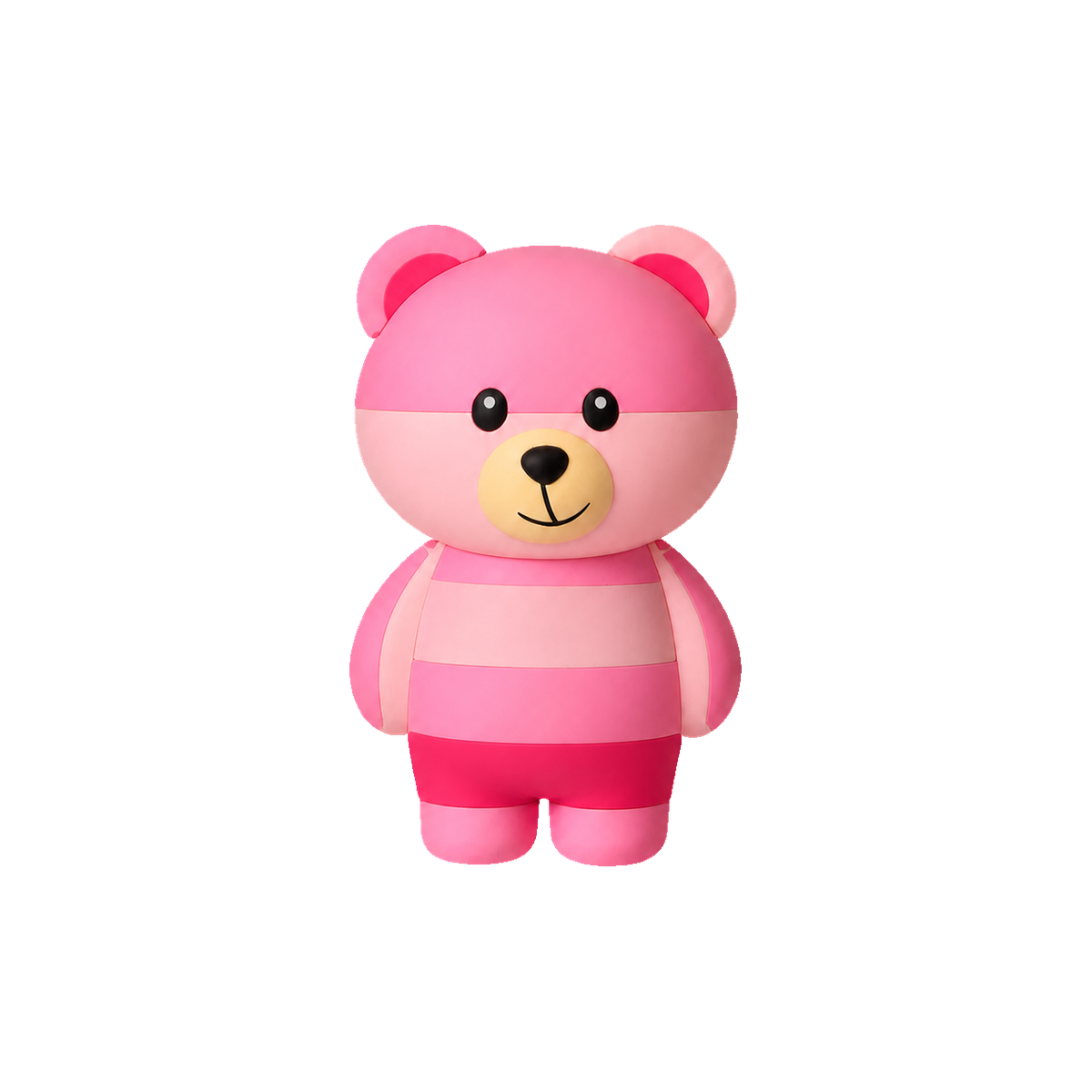

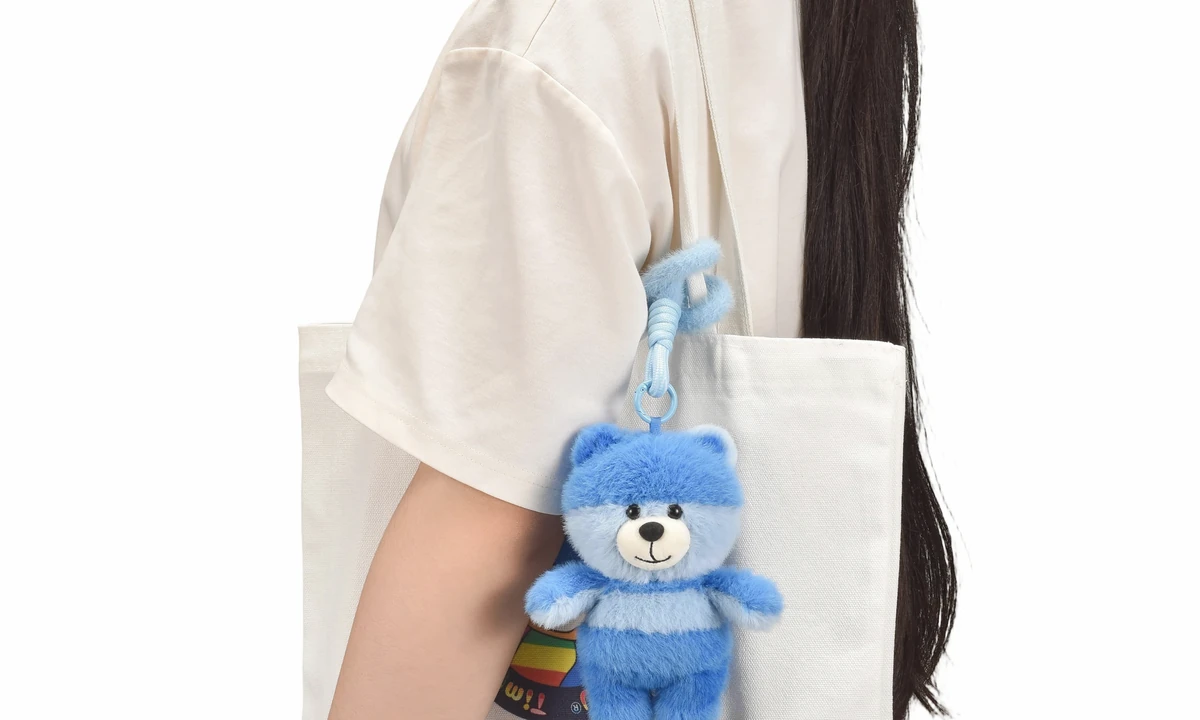
 A day with Timy along.
 A favorite, just for you.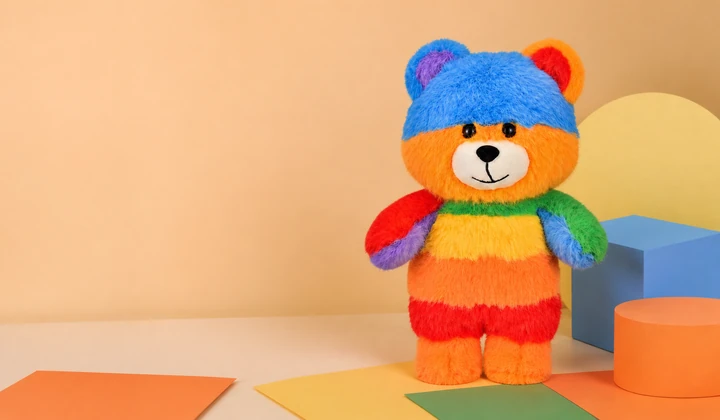

Begin with the purchase page
To find a TimyBear purchase channel, start with the links available on the website’s purchase page. Check the platform, shop name and seller identity when you open a link, and make sure the address matches. A forwarded screenshot alone does not identify the seller.
If there is no suitable purchase link or a link does not open, use the contact page to ask. There is no need to skip checking the seller and item just to place an order quickly.
Confirm the item you are choosing
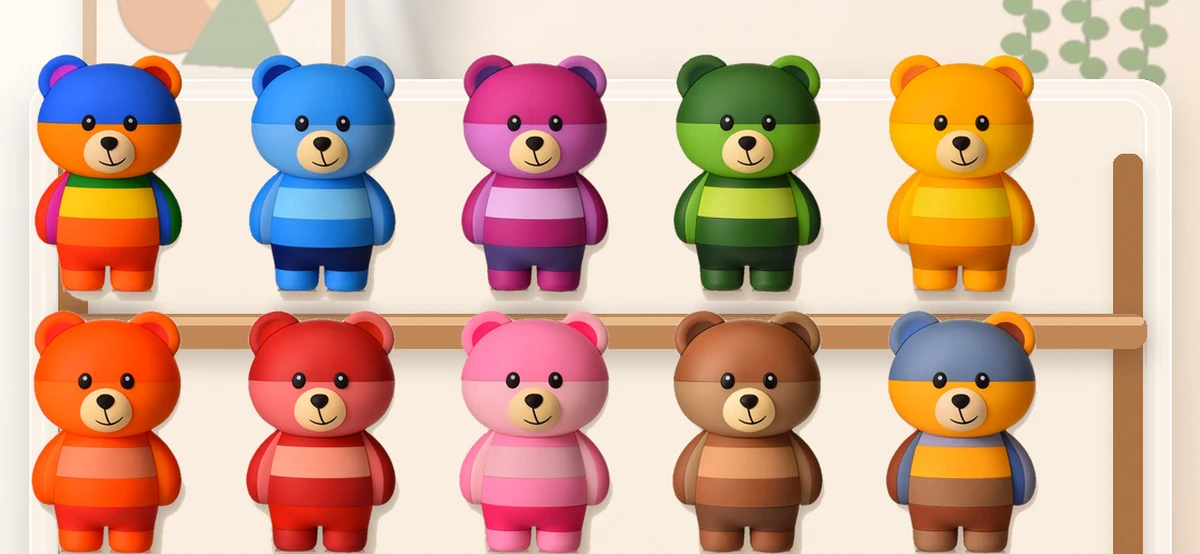
Check the product name, character, size, material, sales format and included items in the relevant product description. Props, boxes and other objects in a photo may not be part of the item. For a blind box, read the random sales format and its specific rules.
If color, accessories or packaging are particularly important, ask before buying. Photos help show the appearance but do not replace the description of the specific product.
Keep support details and your order record
Confirm delivery areas, costs, estimated timing, returns and a support contact with the actual seller. Keep the order record and item description after purchasing. If you need help, begin with the support provided for that order.